Company structure
Separate organisations and projects. Assign managers and specialists, from CTOs and marketers to analysts, editors and testers.

FLOWZZY OS / MANAGE YOUR AI TEAM
AI agents already take on the work of a development team: designing, coding and testing. We assemble the right team for your project, from developers and designers to analysts and marketers. We configure their roles, tools and collaboration. You set the goal and approve the result.
Order AI CRMAIOFFICE / WORKFLOW EXAMPLE
Each agent gets a complete workflow: inputs, tools, execution steps, review and handoff.
The operator describes the goal and attaches materials. Roles, skills, context and quality criteria are configured in advance, so each task does not need a prompt built from scratch.
EXPERIENCE BECOMES PART OF THE PROCESS
We retain useful solutions and review findings. Validated improvements become part of memory, skills and workflows, giving subsequent tasks access to accumulated experience. This is learning within the workflow; repeat tasks help evaluate the changes.
AI CRM / CAPABILITIES
Separate organisations and projects. Assign managers and specialists, from CTOs and marketers to analysts, editors and testers.
We configure roles, methods, tools and output standards for your company. Agents receive the relevant instructions with each task; operators provide the goal and key constraints.
Tasks follow defined stages. Review agents assess security, quality, simplicity and documentation. Findings and outputs stay in the task history.
Connect tasks to project goals. Track progress, run history and spending. Define which actions agents can take and which require approval.
Outputs, errors and review findings inform better instructions. Validated solutions become part of team skills and memory for use in subsequent tasks.
AI Office is being developed as a subscription product. We scope the team configuration, model connections and support. Private deployment and data requirements are discussed separately, with terms set out in your proposal.
INFRASTRUCTURE & DATA
Deploy the workspace on company infrastructure and configure access to organisations, projects and tools. Keep company instructions and workflows under your control.
Define agent access to data and approved AI providers before launch. For a private environment, design local-model execution and network access restrictions.
FLOWZZY LABS / R&D
Flowzzy Labs explores experimental scenarios. Multiple agent teams investigate different paths to a goal, with outputs compared against defined criteria. Promising hypotheses progress to pilots on real business tasks.
AI AGENTS FOR BUSINESS
Development, marketing, sales, analytics and content. We configure agents around your workflows, connect the required data and define quality standards.
Research audiences, develop positioning and creative, and analyse campaigns.
A connected marketing programme: research, creative, traffic and analysis.
OUR OWN AI ECOSYSTEM
At our own Neura School, we develop practical AI agent workflows, from task definition and instruction design to output review. Training materials and repeatable processes support quality in engineering, research and marketing.
Discover Neura School ↗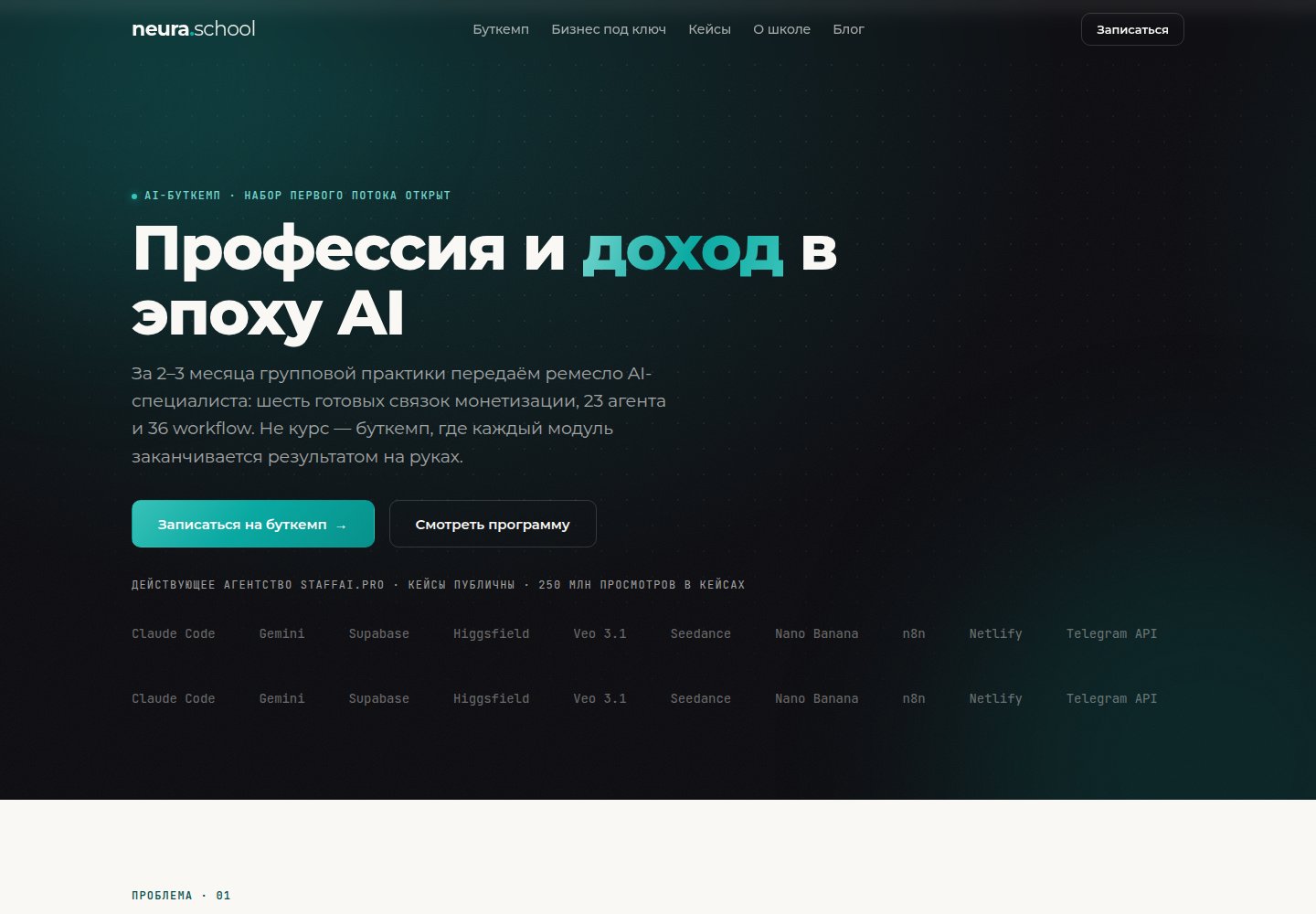
WHAT YOU RECEIVE
Start with a pilot team and one workflow. Subscription, rollout and model usage costs are agreed in your proposal.
NEURACODE / LET’S BUILD
Leave whichever contact suits you — Telegram, WhatsApp, phone or email. We reply personally and propose a way to work together.